

Blog· September 14, 2026 · 10 min read
Team onboarding: automating new-hire integration with document AI
How a document-based onboarding platform indexes your procedures to generate journeys, quizzes and answers, and what to check first (GDPR, document quality).
A document-based onboarding platform paired with an AI assistant indexes your PDFs, procedures, and internal fact sheets to automatically generate onboarding journeys, quizzes, and instant answers for new hires. The benefit is measured in faster time to autonomy and in repetitive questions that HR teams no longer have to field. An illustrative example of this approach includes a dynamic document repository along with an always-available assistant.
In brief:
- The platform must be able to search PDF and Word files semantically to provide precise answers without manual tagging.
- Rigorous document structuring, with naming conventions and metadata, ensures the quality of the AI assistant's answers.
- Deployment should follow a precise timeline with 30-, 60-, and 90-day milestones to ensure gradual and secure onboarding.
- GDPR compliance requires pseudonymizing data, documenting the purpose of the processing, and hosting in Europe to comply with the regulation.
- Effectiveness is measured through completion rate, time to autonomy, and new-hire satisfaction, with regular monitoring.
Priority features to evaluate in your document-based onboarding platform
Not all onboarding platforms are created equal, and the difference rarely comes down to the interface. It comes down to the system's ability to turn raw internal documents into knowledge a new hire can actually use from day one.
Before choosing a tool, make sure it covers these capabilities:
- Indexing and semantic search of PDF and Word files, so the assistant can find a specific piece of information without anyone having tagged it manually.
- Personalized journeys and preboarding that adapt the content to the employee's role, team, and start date.
- An always-on AI assistant that answers from your document repository rather than generating generic responses.
- Built-in quizzes and assessments that measure real understanding rather than simply whether a document was read.
- Dashboards and metrics that track time to autonomy and journey completion rates.
- Integration with single sign-on and your existing training tools, with hosting that meets European requirements.
That last requirement carries a lot of weight for an SMB or mid-market company that handles employment contract data or personal information. Hosting located in Europe simplifies compliance and reassures legal teams when it's time to sign the vendor contract.
Preparing and structuring your internal documents for effective AI ingestion
The quality of the assistant's answers depends directly on the quality of the documents it ingests. A poorly organized repository produces approximate answers, even with the best technology.
- Build a prioritized inventory: start with standard contracts, business procedures, and the FAQs managers consult most often.
- Adopt a strict naming convention that includes the version date, the department concerned, and the document status (draft, approved, archived).
- Separate and pseudonymize sensitive data before ingestion, especially information related to employee payroll or health.
- Set up an update process with a designated owner for each family of documents, so the assistant doesn't answer with an outdated procedure.
- Add metadata and annotations to complex documents, for example a "mandatory procedure" tag on safety instructions.
Pro tip: before launching full indexing, test the assistant on a batch of ten documents and ask it the questions a new hire would actually ask.
A practical implementation roadmap for SMBs and mid-market companies
Rolling out an onboarding platform should be managed like any major HR project, with a tight timeline and clear responsibilities. Following the sequence of audit, pilot, scale-up, and governance limits unpleasant surprises and makes it possible to demonstrate measurable value within the first few weeks.
- Day minus 7: send out access, equipment, and the first practical information before the employee arrives.
- Start day: welcome, team introductions, and launch of the onboarding journey on the platform.
- 30 days: first review with the mentor, completion of mandatory modules, and first validation quizzes.
- 60 days: meeting with the manager, adjustment of the journey based on the gaps identified.
- 90 days: overall assessment of autonomy and decision on how the probationary period proceeds.
The key roles bring together HR to steer the project, managers for operational follow-up, a mentor for day-to-day support, and IT for access and technical integrations. Metrics to track include journey completion rates, the time needed to reach autonomy, and satisfaction gathered through short surveys.
According to an OpinionWay study conducted for Scalliance, not every employee reports having received structured onboarding: many journeys remain informal or improvised. Formalizing 30-, 60-, and 90-day milestones, as recommended by the flash interview described by IH2EF (the French education ministry's institute for senior staff training), reduces terminations during the probationary period and secures new-hire retention.
Compliance and data governance for AI-based onboarding
An AI assistant that processes internal documents often handles personal data, which triggers specific obligations. The CNIL (France's data protection authority) points out that any AI system processing personal data must define a clear purpose, choose an appropriate legal basis, and apply the principles of data minimization and limited retention.
In practice, an HR team deploying this kind of tool must:
- Document the purpose of the processing as soon as the platform is chosen, before any documents are ingested.
- Pseudonymize sensitive data contained in contracts or personnel files.
- Inform employees about the use of AI and guarantee that they can exercise their rights of access and rectification.
- Log access and generated answers so that a decision can be justified in the event of an inspection.
- Carry out an impact assessment when the processing poses a high risk to the individuals concerned.
Opting for European hosting and vendor contracts that spell out each party's responsibilities simplifies this governance day to day.
Collaborative onboarding techniques to strengthen team cohesion
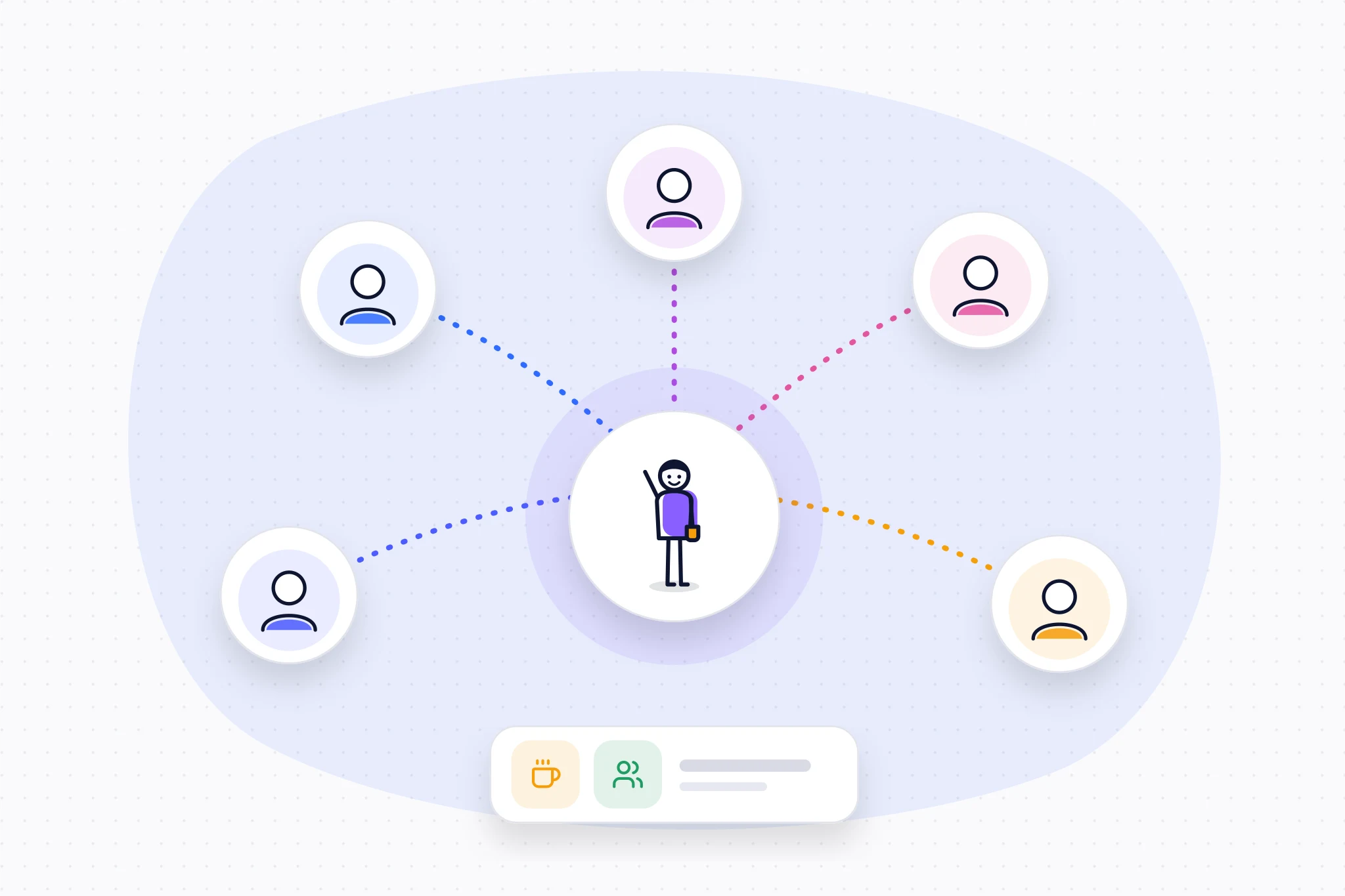
Document automation doesn't replace human interaction — it frees it up. Once the assistant absorbs the repetitive questions, managers and mentors can devote their time to the conversations that truly build a sense of belonging to the team.
Pairing with a mentor remains one of the most effective ways to pass on an organization's unwritten rules — the ones no document captures. Organizing a team lunch in the very first week, quickly involving the newcomer in a cross-functional project, or setting up an informal weekly check-in with the manager creates opportunities for cohesion that reading procedures alone never produces.
The lessons-learned papers from the Fondation Grenoble INP (the foundation of the Grenoble Institute of Technology) emphasize that SMBs and mid-market companies become organizationally stronger when they combine automation and human interaction rather than choosing one at the expense of the other. A well-designed digital journey frees up precisely the time needed for these moments of connection.
Continuous learning strategies after onboarding
Onboarding doesn't stop at the end of the probationary period. The skills acquired in the first few weeks need to be consolidated, or they will fade under the pressure of day-to-day emergencies.
An indexed document repository remains useful well beyond day 90: it becomes a knowledge base the employee consults to dig deeper into a topic or refresh their memory on a rarely used procedure. Scheduling short modules at three months, six months, and then one year after arrival keeps skills growing without overloading the employee's calendar.
The CIPD recommends integrating AI responsibly throughout the employee lifecycle, not just during the first few weeks. That means regularly updating journey content and asking managers to identify the training needs that emerge as employees gain experience in the role.
Cultural integration and adapting to the company's way of working
A successful onboarding journey conveys company culture as much as technical procedures. A new employee who has fully mastered a tool but is unaware of internal customs, the tone of communication, or team rituals will remain out of step for several months.
The way of working matters just as much: an organization with partial remote work doesn't have the same onboarding needs as a team that is entirely on-site. Internal documents must reflect this reality, with clear guidelines on availability hours, the video-conferencing tools used, and expectations around responsiveness.
Indexing these cultural elements alongside technical procedures allows the AI assistant to answer "how to request time off" just as well as "what tone is expected in exchanges with clients." This documentary consistency keeps company culture from remaining something unspoken, passed on only through observation, which naturally takes longer for remote hires.
Communication and feedback tools to improve onboarding
Onboarding that isn't measured doesn't improve. Gathering new hires' impressions at regular intervals, through short surveys or structured interviews, reveals friction points before they turn into reasons for leaving.
The channels to favor remain simple: a team messaging app for informal questions, a weekly one-on-one with the manager during the first month, and a satisfaction survey at 30 and 90 days. This feedback feeds directly into improving the document repository: a question asked several times to the AI assistant signals a document that needs clarifying or content that is missing.
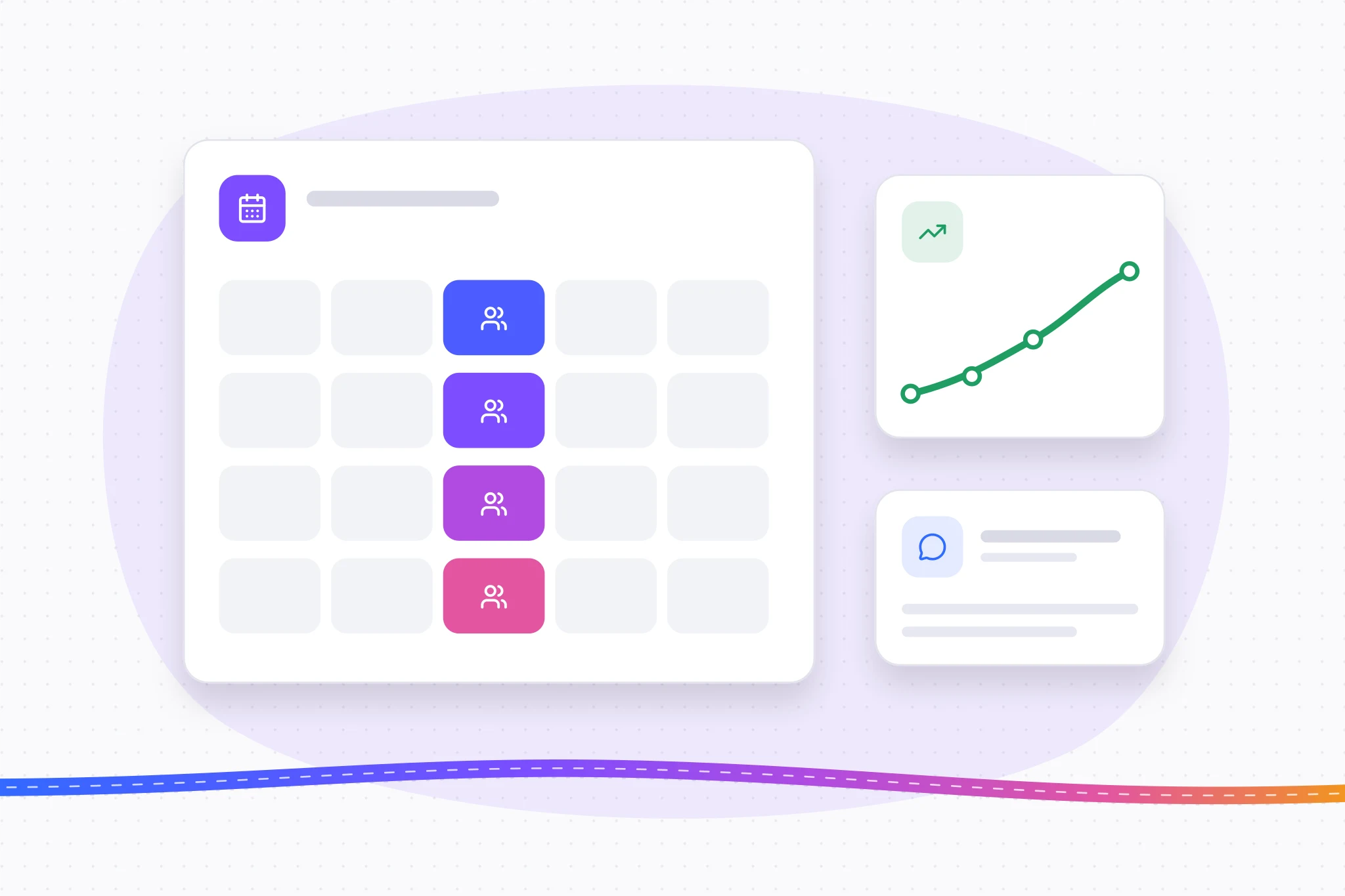
This feedback loop turns onboarding into a living process rather than a fixed journey. HR teams that act on these signals adjust their documents continuously, which automatically improves the relevance of the answers given to future new hires.
Common team onboarding mistakes and how to avoid them
The first mistake is confusing handing over documents with genuine onboarding. Sending a link to a shared folder on day one guarantees neither that the information it contains will be read nor that it will be understood.
The second mistake, just as widespread, is the lack of structured follow-up after the first few days. Without 30-, 60-, and 90-day milestones, difficulties go unnoticed until they become reasons for leaving. A third mistake concerns the documentation itself: outdated or contradictory procedures create confusion, especially when an AI assistant cites them without distinguishing an expired version from a current one.
Finally, neglecting the human dimension in favor of the digital tool alone strips onboarding of its relational grounding. The Fondation Grenoble INP's sector papers point out that onboarding often still lacks suitable tools, which leads many organizations to improvise rather than build a repeatable process.
A vendor's perspective: benefits, limits, and evidence to collect
Document automation delivers on its promise when the source documentation is reliable. It fails silently when outdated procedures linger in the repository, because the assistant then cites them with the same confidence as an up-to-date document. The real gain isn't the tech gadget; it's the update discipline it forces on HR teams.
Before judging a tool, collect concrete evidence: journey completion rates, time to autonomy, and qualitative feedback from mentors on the questions that persist despite the assistant.
— Nicolas
Weloom, a practical option for structuring onboarding at SMBs and mid-market companies
Between an HRIS designed for large corporations and a shared folder cobbled together in Notion, SMBs and mid-market companies have long lacked a middle-ground option. Weloom fills that gap by turning your existing documents — contracts, procedures, internal guides — into a repository that an always-available AI can work with.
Features include automatic indexing of PDF and Word files, generation of journeys and quizzes from your actual documentation, an always-on AI assistant, and European hosting that meets HR data privacy requirements.
Pro tip: start with the Starter plan in a single department to validate the quality of the answers before extending indexing to the entire company.
Check out the pricing and features by plan or the security and hosting practices before launching your first pilot.
Sources
- AI: how to comply with the GDPR | CNIL
- AI use in the workplace: Practical advice for HR professionals
- Onboarding study — OpinionWay for Scalliance
- For Libra paper — Onboarding (Fondation Grenoble INP)
Frequently asked questions
What is an AI-based document onboarding platform?
It's software that indexes your internal documents — contracts, procedures, guides — to automatically generate onboarding journeys and an assistant that can answer new hires' questions. Weloom applies this principle by turning existing HR documentation into a repository that can be used from day one.
How long does it take to onboard a new hire effectively?
Count on about three months, with checkpoints at 30, 60 and 90 days. IH2EF's flash interview recommends these checkpoints to detect onboarding difficulties early.
Does using AI in onboarding raise GDPR compliance issues?
Yes. As soon as an AI system processes personal data, it must comply with the principles of purpose limitation, data minimization, and limited retention highlighted by the CNIL. European hosting and precise vendor contracts make it easier to meet these obligations.
How much does a platform like Weloom cost?
Weloom offers three plans: Starter at €129 per month, Growth at €299 per month, and Enterprise at €799 per month, detailed on the pricing page. The choice depends on your volume of new hires and the level of features you need.
How do you measure the success of an onboarding process?
The most useful metrics are journey completion rate, the employee's time to autonomy, and satisfaction gathered through short surveys. Combining these measures with human check-ins at 30, 60, and 90 days gives a complete picture of onboarding quality.